How to personalize emails with merge tags
Using merge tags is easy:
Using merge tags is easy:
-
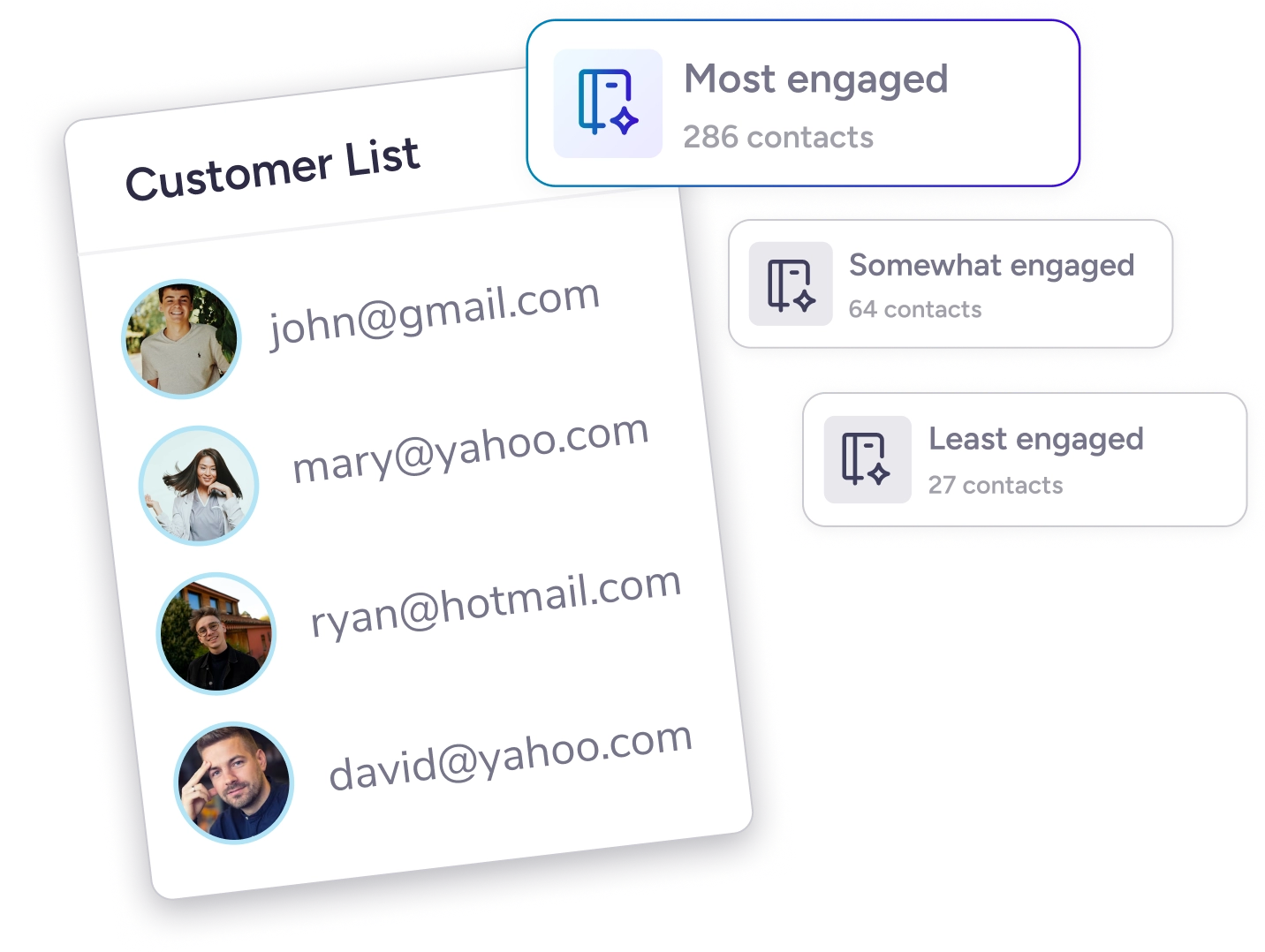
1Collect subscriber details with signup forms.
Add contact info and custom fields in the form so details like receiver names are ready to plug in.
-
2Insert merge tags in your email.
Add merge tags to your email content using the tag icon or toolbar, and set default values for any missing info.
-
3Test before you publish.
Send a test email to confirm your merge tags work correctly, then send!